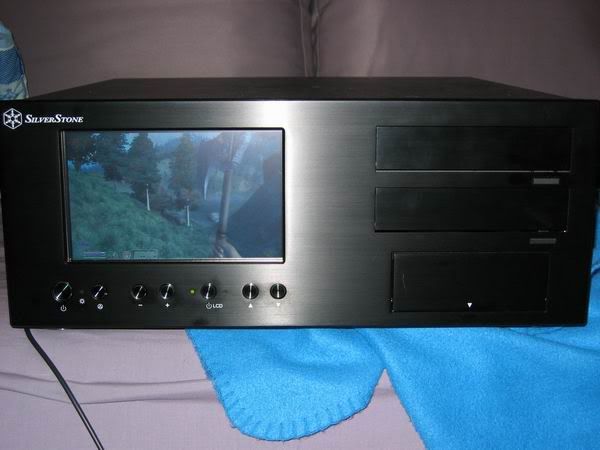
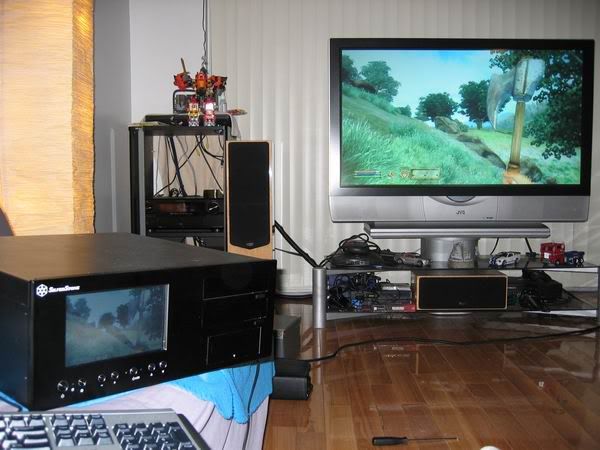
My new HTPC build (pictures intensive)

Lastblade

Friend me on Facebook!,
20 Year Member
Joined
Aug 13, 2001
Posts
5,885
In case you haven't noticed, I have been selling off alot of my videogames stuff. Well, I needed the money to build a new HTPC (Home Theater PC). I finally got all the parts last week and put everything together configuring it. It is alot of work to get everything working nicely, and I am still working on it (need to grab music covers, configure more emus and ripping movies to hdd), but here are the results.

I am running the Meedio front end and so far, it is working great. I originally wanted to use XLobby but since it keeps crashing on this computer (for whatever reason), Meedio replaced Xlobby!

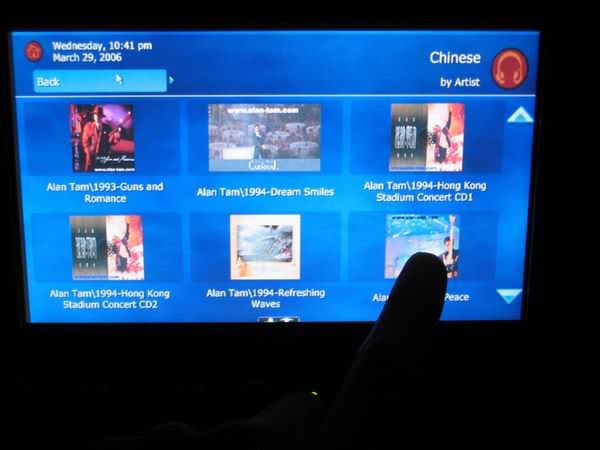
This HTPC case has a 7in touch screen LCD so I don't have to turn on the TV to play music (works so nicely except for the minor overscan in the LCD screen, which is remedied by Meedio's internal setup).
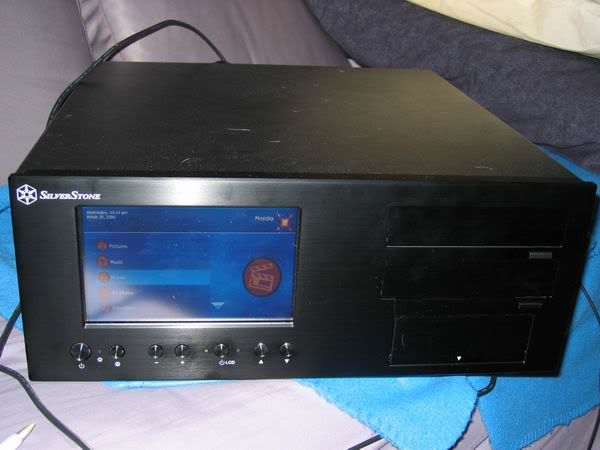
meediofrontend.jpg


Another look at the Meedio front end on my RPTV
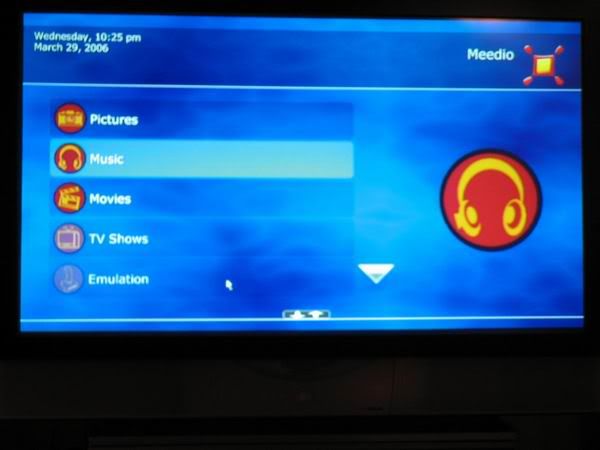
meediofrontendtv.jpg


----

Here is some of my movies that I have ripped so far (except for Brokeback Mountain, it is actually Monsters, Inc, hehehe).
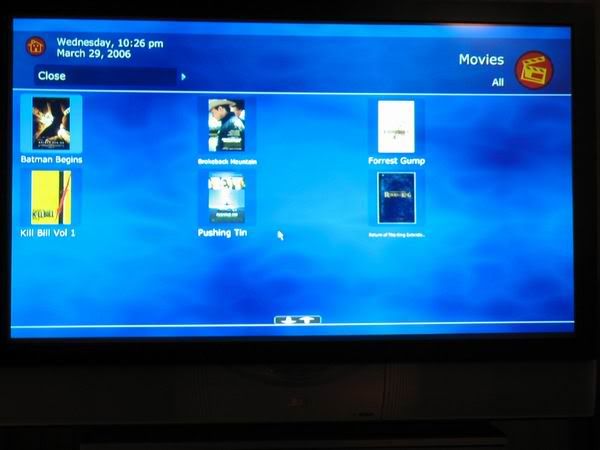
movelist1.jpg


Another look, I am still setting everything up so the HTPC is sitting on the couch for now.
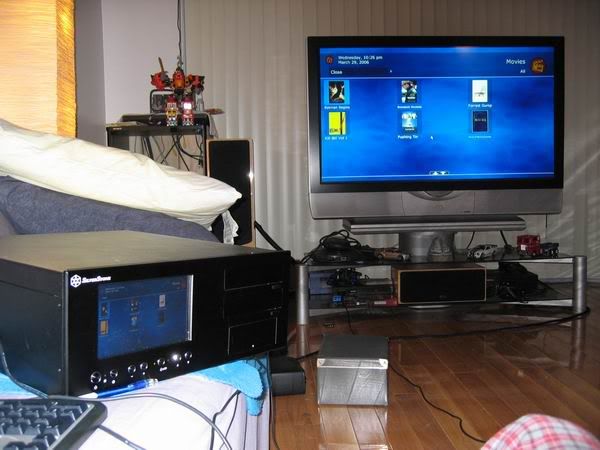
movielist2.jpg


Batman Begins playing, and outputted to 1280x720p resolution with ZoomPlayer Pro via Nvidia Purevideo decoder and FFDShow post processing.
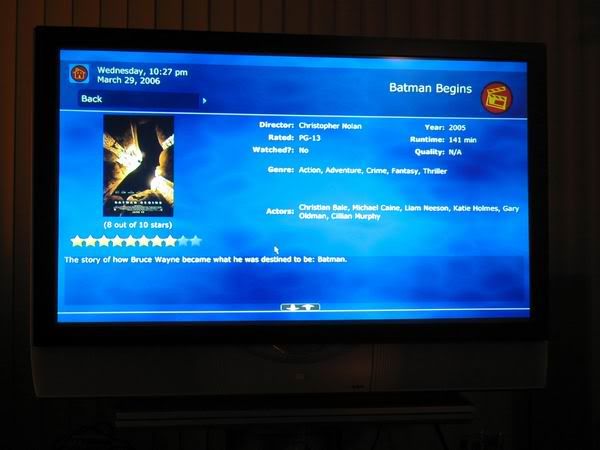
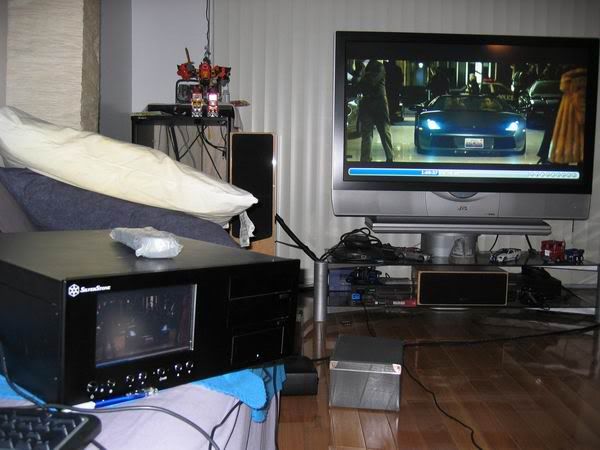
batman3.jpg

batman4.jpg


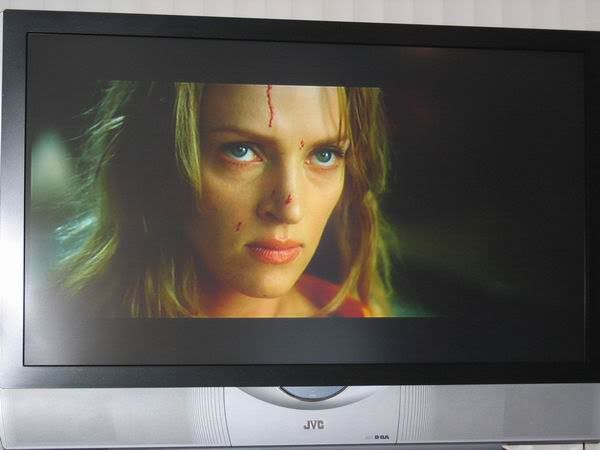
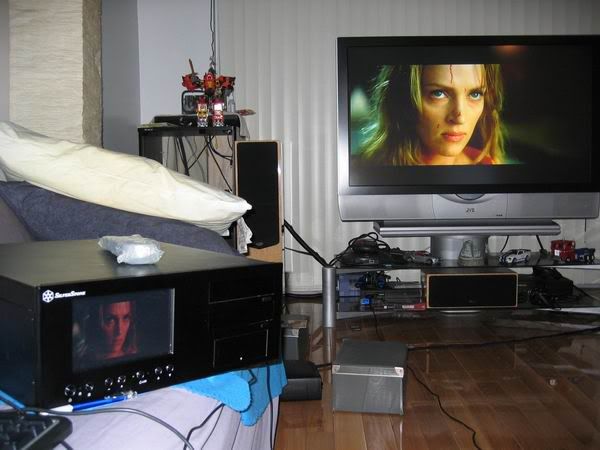
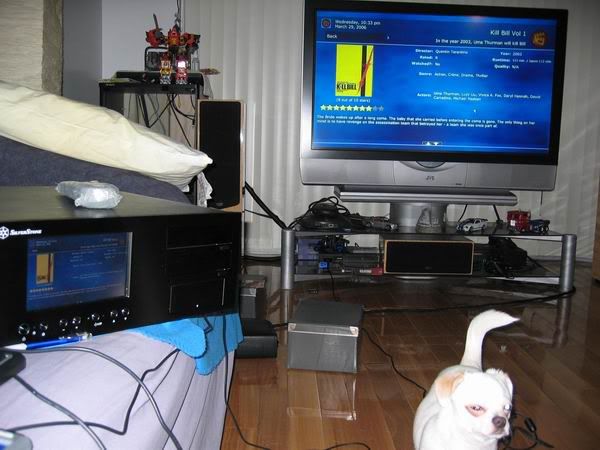
Kill Bill being played. With Napoleon being nosy and wondering what I am doing :)
killbill1.jpg

killbill2.jpg

killbill3.jpg
 

Lastblade

Friend me on Facebook!,
20 Year Member
Joined
Aug 13, 2001
Posts
5,885
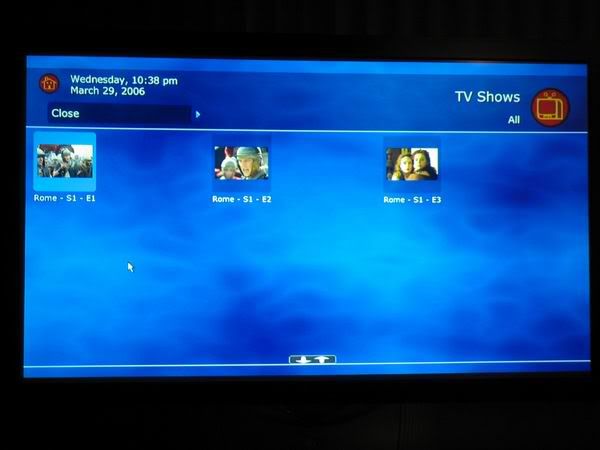
Just for fun, I put a few episodes of Rome in there. My wife is very happy about this.

romelist.jpg


----

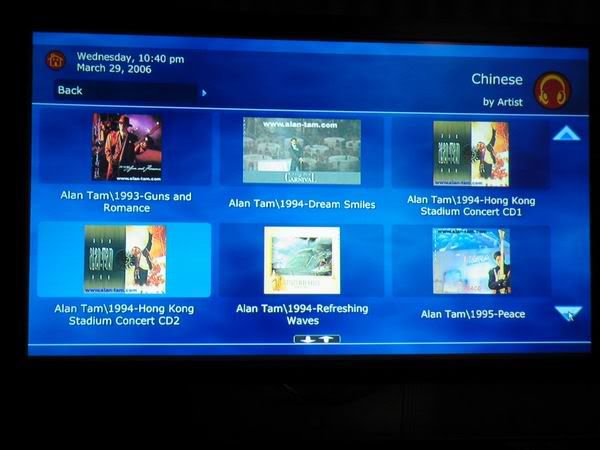
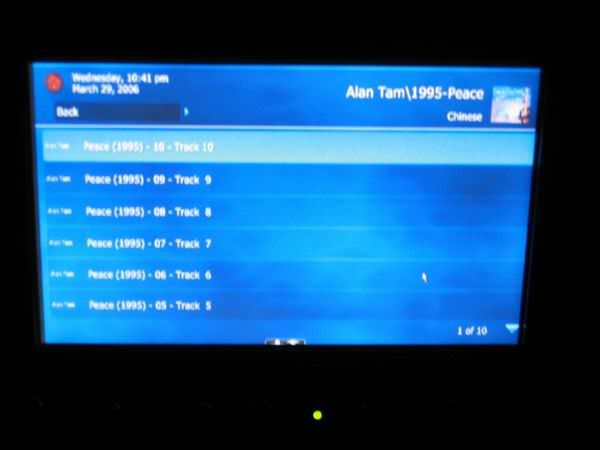
My Cantonese music MP3's.... and me touching the LCD screen to select the album.

musiclisttv.jpg

musiclistLCD.jpg

musiclistLCD2.jpg


----

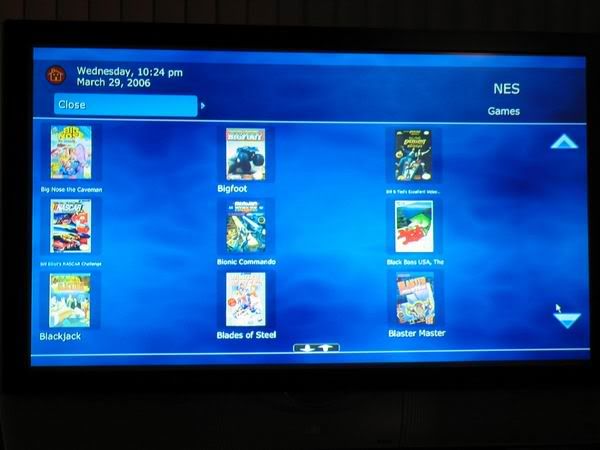
The NES emulator through Meedio.

emu-nes1.jpg


----

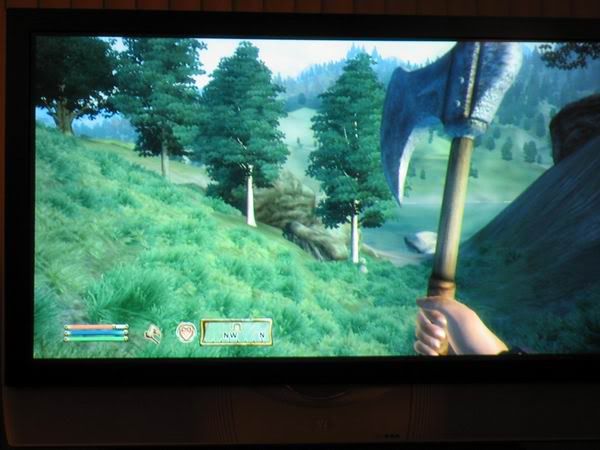
And finally, I decided to give Oblivion a try. After all, it is time to give that Radeon X850XT a workout! It runs very smoothly (not highest detail though, obviously). I have never game on a PC via a TV, so this is really cool! :)

oblivion1.jpg

oblivion2.jpg

oblivion3.jpg


----

Well there you have it. This was not a cheap build (I originally budget around $1200 but that case blew that budget out of the water), but I am very happy with the end result. I am not done yet though, I have not bought a HDTV tuner and I need some wireless keyboard/mouse + control pad very soon. But those will come once I configured everything. I have researching and building this so hopefully this will inspire others to take the HTPC plunge :)
 

gamejunkie

Hijacked by a Spambot!
Joined
Aug 21, 2004
Posts
7,002
That's a very nice case! Could you tell me how much you paid and the model number? Does it come with the screen, or is that something you added yourself?

What are you using to connect to your hd set? DVI, component, HDMI?

I've tried running at my Sony's native 720p resolution (it's not a true 1280x720), but for some reason I can only get it to run at 11--x6-- without there being massive amounts of overscan. This is being done by an ati dvi->component adaptor and I'm not sure if buying a dvi->hdmi cable would solve the problem.

What are you using to set your resolution? Does the media center software do it for you?

You really should try getting some HD captures because there's no comparison between upscaled dvds and HD transfers.
 

Lastblade

Friend me on Facebook!,
20 Year Member
Joined
Aug 13, 2001
Posts
5,885
gamejunkie said:
That's a very nice case! Could you tell me how much you paid and the model number? Does it come with the screen, or is that something you added yourself?

Thanks!
The LCD screen comes with the Silverstone LC18, check it out here . It is selling for $650, but SunDial Micro has it for $615. It IS expensive, and it really depends on your needs. I don't want to turn on the TV just to play music (because my RPTV takes about 30 seconds to turn on and 2 minutes to cool off, so I rather have this case for just playing music).

gamejunkie said:
What are you using to connect to your hd set? DVI, component, HDMI?

Output is DVI -> HDMI.

gamejunkie said:
I've tried running at my Sony's native 720p resolution (it's not a true 1280x720), but for some reason I can only get it to run at 11--x6-- without there being massive amounts of overscan. This is being done by an ati dvi->component adaptor and I'm not sure if buying a dvi->hdmi cable would solve the problem.


What are you using to set your resolution? Does the media center software do it for you?

I am running it at 720p, it has some overscan but the media frontend can be adjusted.

gamejunkie said:
You really should try getting some HD captures because there's no comparison between upscaled dvds and HD transfers.

Believe it or not, I don't have HD cable. I plan to get a HDTV tuner so I can get OTA HDTV. I am not sure how the copy protection will work with digital cable.... might not work. Plus, Vista is delayed so I will see how things shake out in the next year or so. In any case, I am very happy with this because I can get rid of my DVD player and CD changer and can do so much more. So it is HTPC + Receiver + TV = Multimedia heaven. :buttrock:
 

gamejunkie

Hijacked by a Spambot!
Joined
Aug 21, 2004
Posts
7,002
So you're running this software ontop of XP?

I actually don't have any HD service. Every bit of HD content I have is from the internet. If you know where to look you'll find anything from movies to tv shows to documentaries all straight captured in their mpeg2 transport stream form with full 5.1 audio (or higher). If you start doing this please take note that HD content is HUGE, I mean I filled up a 250gb drive in probably a month downloading off and on. A movie can range anywhere from 8gb to upwards of 20gb depending on length, resolution, and the audio tracks included. I actually just reformatted my ps2's 250gb drive so I could get some more stuff before its taken down. :D
 
Top